
Pinterest is one of the most popular visual search engine platforms and a big social media platform. Pinterest users can browse through thousands of creative ideas, DIY projects, recipes, fashion inspiration, and more.
While you can download images from the website directly, the platform does not have the option to download your favorite Pinterest videos directly. This lack of a video download option can be quite frustrating, especially if you find high-quality videos that you’d like to save for offline access.
Thankfully, several websites will help you download Pinterest videos so you can save your favorite Pinterest content quickly and easily.
In this article, I will give you all the best Pinterest video downloader tools this year so you can enjoy the best quality content from the Pinterest platform for offline viewing.

Contents
How Do Pinterest Video Downloaders Work?
Pinterest video downloaders work by letting you input the URL link of the Pinterest video you want to save. Once the URL is pasted into the downloader, it processes the video and provides you with a download link.
You can then save the video in your preferred format and quality – most downloaders can let you save in the highest quality.
Some of these downloaders come as web-based tools, while others are also downloadable software or mobile apps.
The Best Pinterest Video Downloaders
Below is a list of some of the best Pinterest video downloaders you can use this year. Each tool comes with its own unique features, and I will tell you how to use them so you can save videos straight from your Pinterest app or browser – you will really just need to use your internet connection!
1. ExpertsPHP
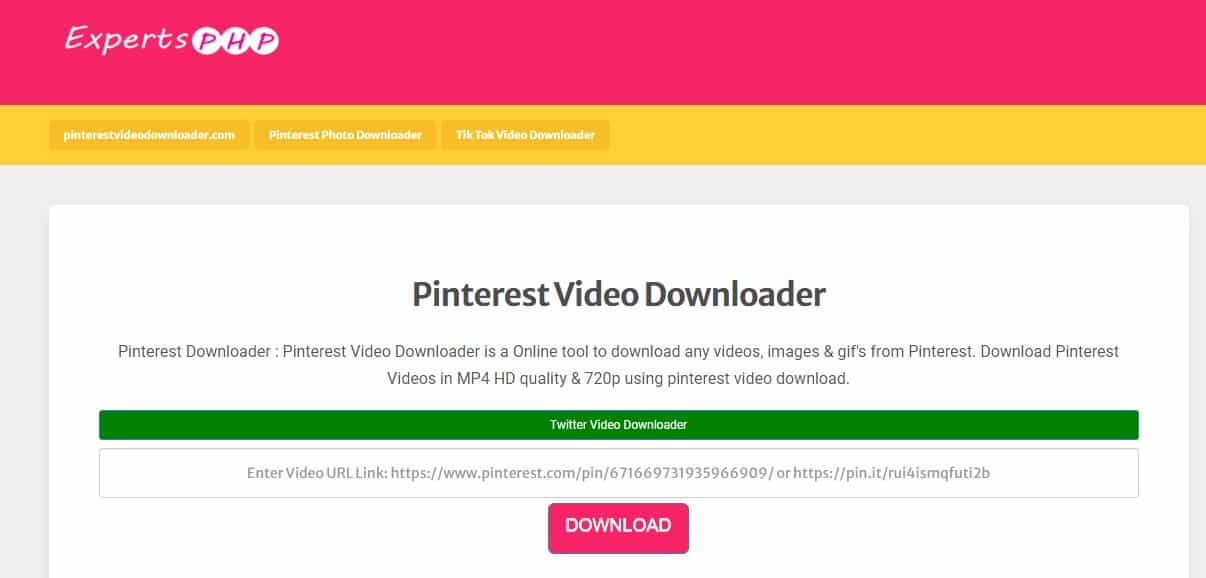
ExpertsPHP is a free Pinterest video downloader that allows you to download Pinterest videos in just a few clicks. It is free to use and requires no software installation.
You just need to go to Pinterest and copy the URL of the video you want to download. Click “Download,” and the video will be processed in full HD quality.
The website is optimized for both desktop and mobile device, which makes it accessible for different devices.
2. Catch.Tube
Catch.Tube is a versatile online video downloader that supports multiple platforms, including Pinterest, YouTube, Facebook, and Instagram. This makes it one of the best online Pinterest video downloader available for users who frequently download videos from different sources.
Copy the link of the video from Pinterest you want to download. Go to Catchtube and paste the URL into the provided field and hit “Catch video.” After processing, choose the video format and quality you prefer, and then just download the pin video file.
The website is optimized for both web browsers and mobile devices as well.

3. Pinterest Downloader
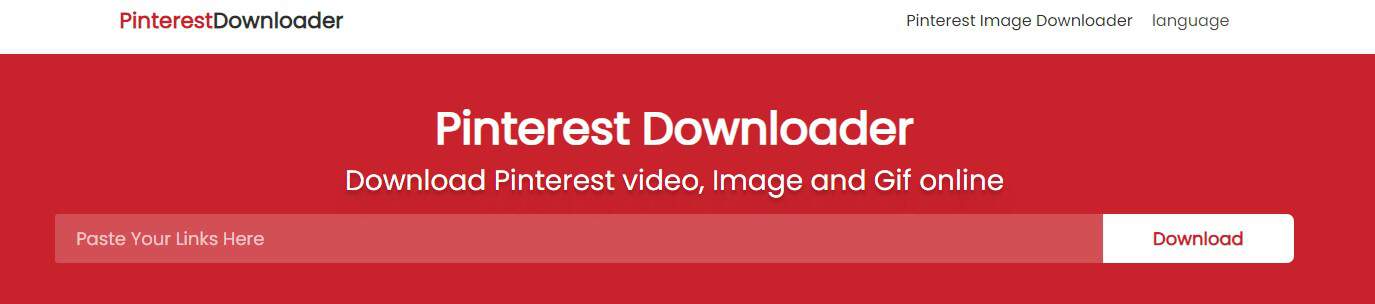
This web-based tool is specifically designed for downloading Pinterest videos. It has a straightforward interface and delivers consistent performance, making it a favorite for many users. You can also download videos in high quality.
Paste the Pinterest video URL in the URL field on Pinterest Downloader, and Tap on the Download button. The video will be processed, and you’ll be given the option to download it.
It’s optimized specifically for Pinterest, making it one of the most reliable and consistent downloaders for this platform. The fact that it doesn’t add a watermark to videos is a big plus.
4. SavePin.App
SavePin is the widely used Pinterest video downloader. This video downloader is device-friendly and has a user-friendly dashboard.
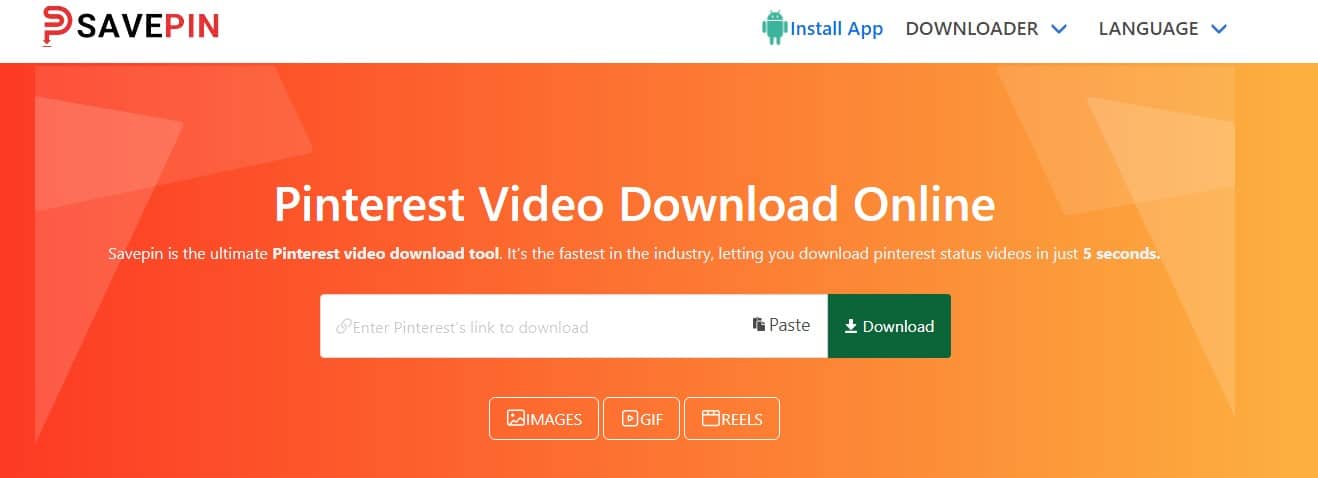
To download a video from Pinterest. Copy the video’s link from your browser’s address bar. Now, visit the SavePin tool and paste the copied link into the search bar.
Click the “Download” button, and the Pinterest video will be downloaded to your device.
You can also get it on Google Play for Android phones.
5. PinterestDownloader.io
Pinterest Downloader’s website is designed to make it easy to understand and simple so that people who are not tech-savvy can also use it easily. The simple download instructions provided on their website will help you to know how to use this website quickly without any complications.
Paste the video link you have copied from the Pinterest website to the search box on the website. Download the video from your Pinterest account to your device by tapping “Download.”
You can download unlimited Pinterest videos and their GIFs and Images – all for free!

Important Reminders
- Respect Copyright: Make sure you’re only downloading videos for personal use and respecting the intellectual property rights and copyright content of content creators.
- Video Quality: Some downloaders allow you to choose the video quality – some are capable of having your videos downloaded in a higher quality.
- Watermarks: Be cautious of downloaders that place watermarks on the videos unless it’s not a concern for you.


I’m Anastasia and I’m a full-time blogger, online entrepreneur, and Pinterest marketing strategist. I help digital entrepreneurs and bloggers drive targeted traffic from Pinterest either through my online courses or through Pinterest consultancy.